State Archives Collection
Making history every day
The NSW State Archives Collection documents the daily work of the NSW Government and its agencies from 1788 to today. This vast collection records history as it happens, providing valuable and at times life-changing evidence of events and decisions that have shaped, and continue to shape, our history, communities and lives.
Online indexes, research guides & webinars are listed in Subjects A-Z. You can also search all the indexes at once via the catalogue.
Popular research subjects
Browse all
About us
About the State Archives Collection
The NSW State Archives Collection documents the daily work of the NSW Government and its agencies from 1788 to today
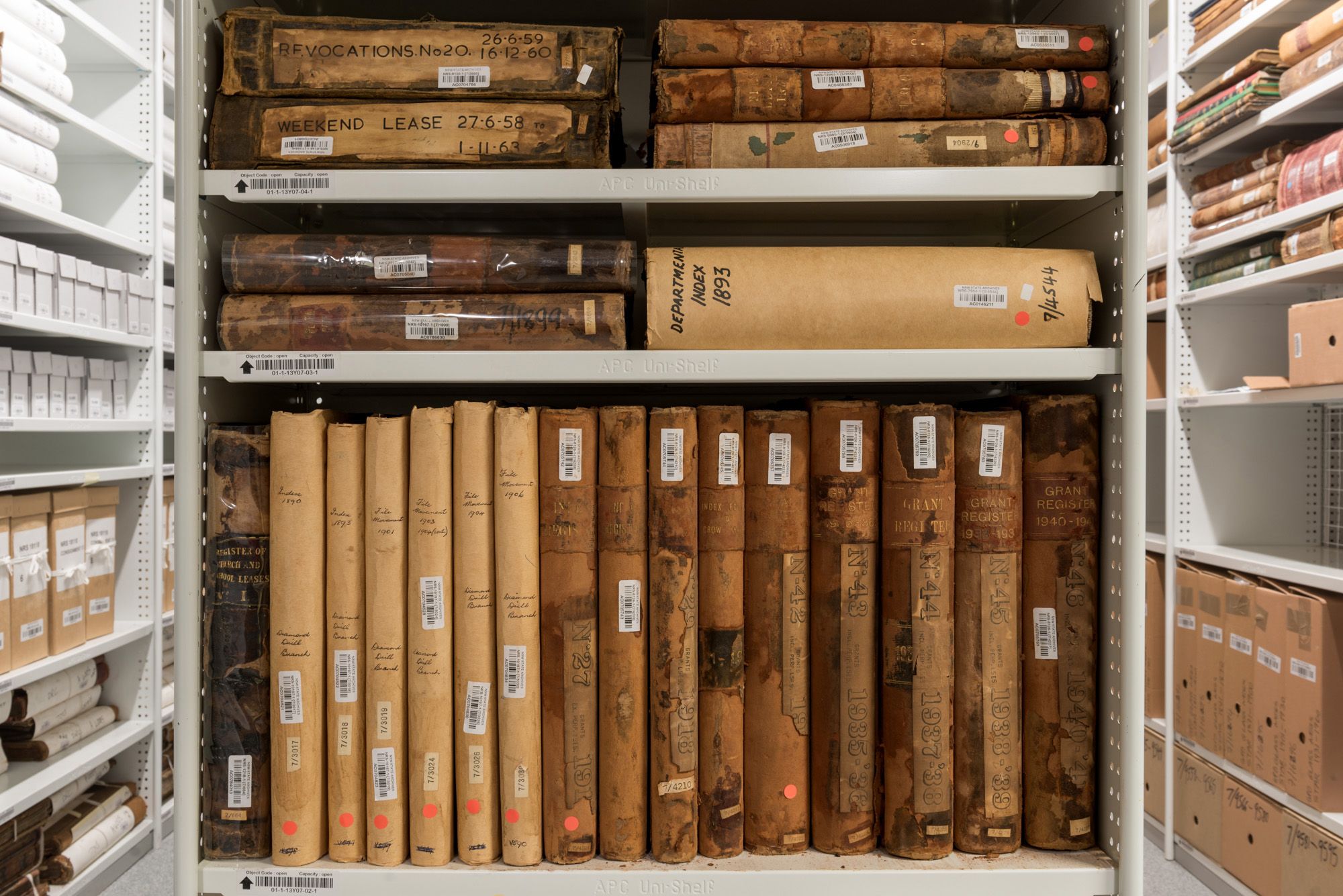
How to use the State Archives Collection
The largest collection of records relating to the history of NSW and the lives of its people
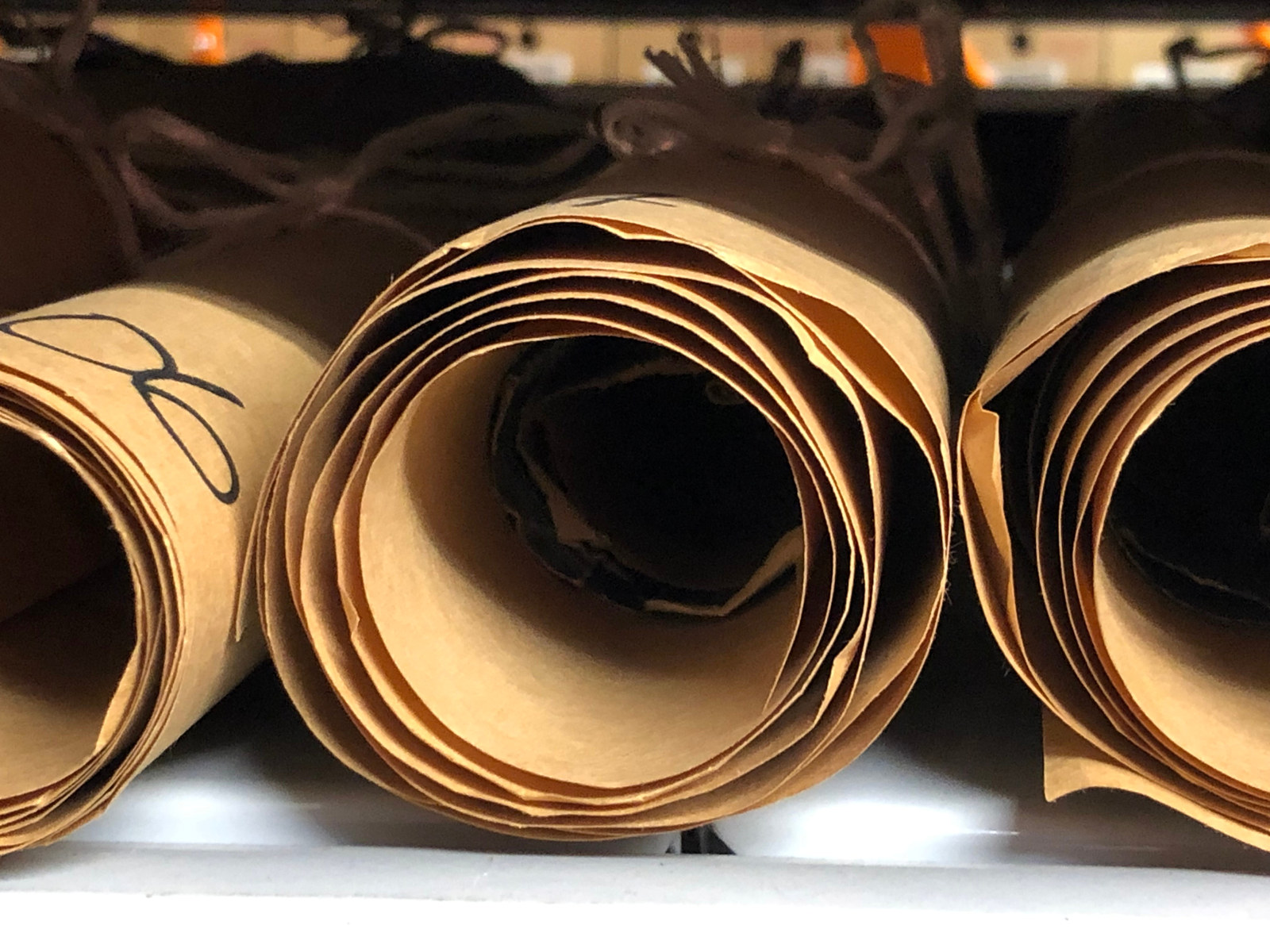
Collection strengths
Browse all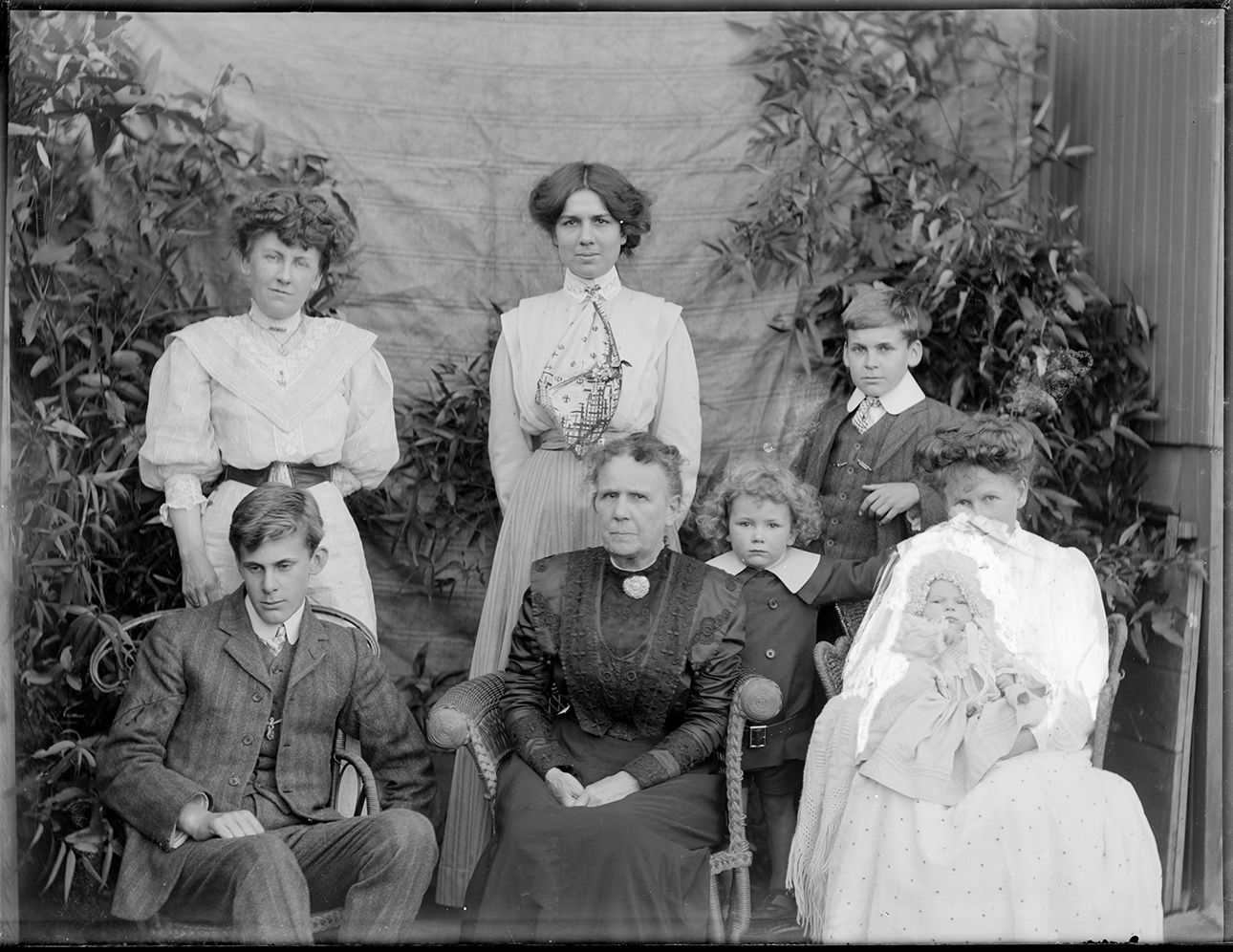
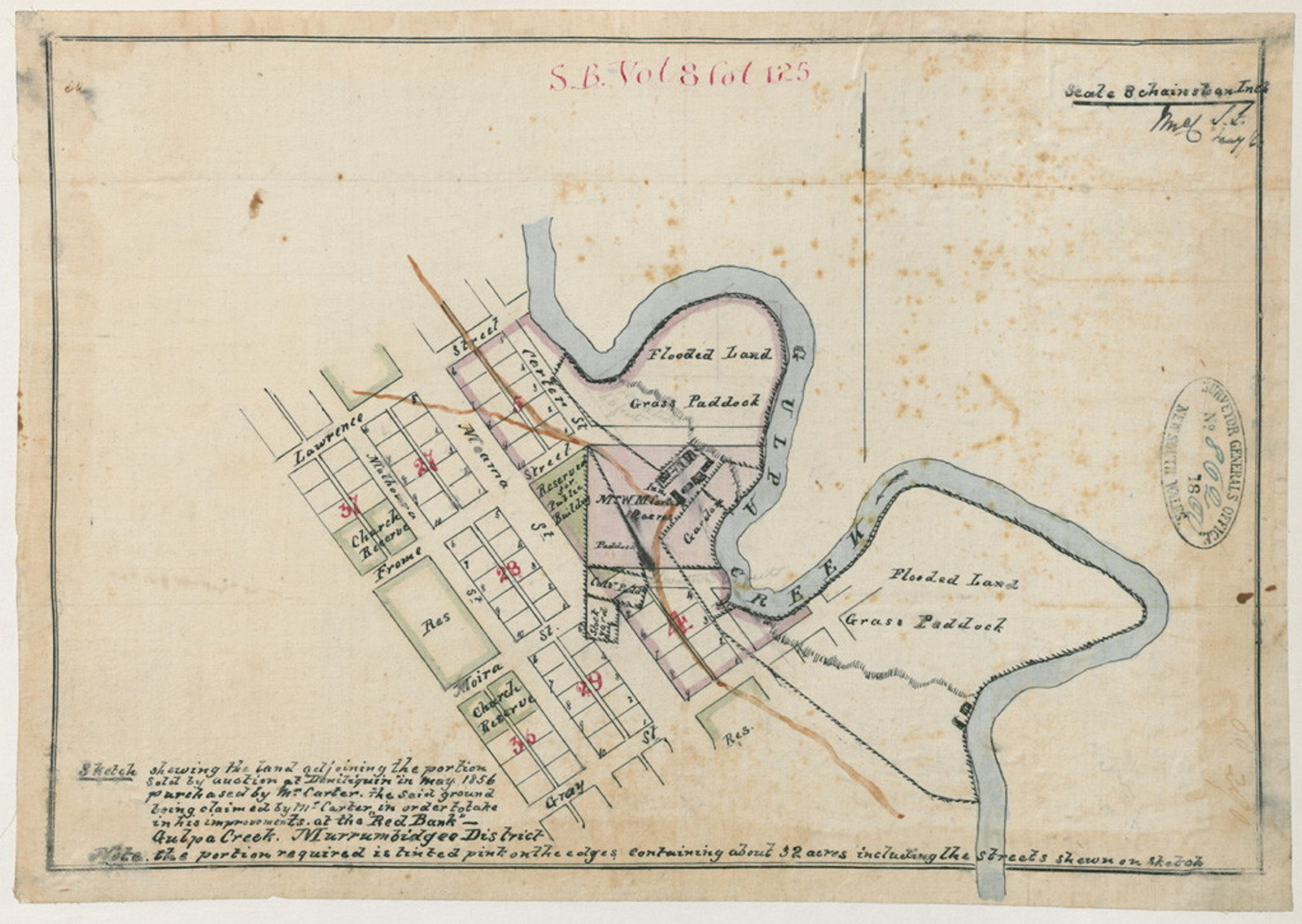
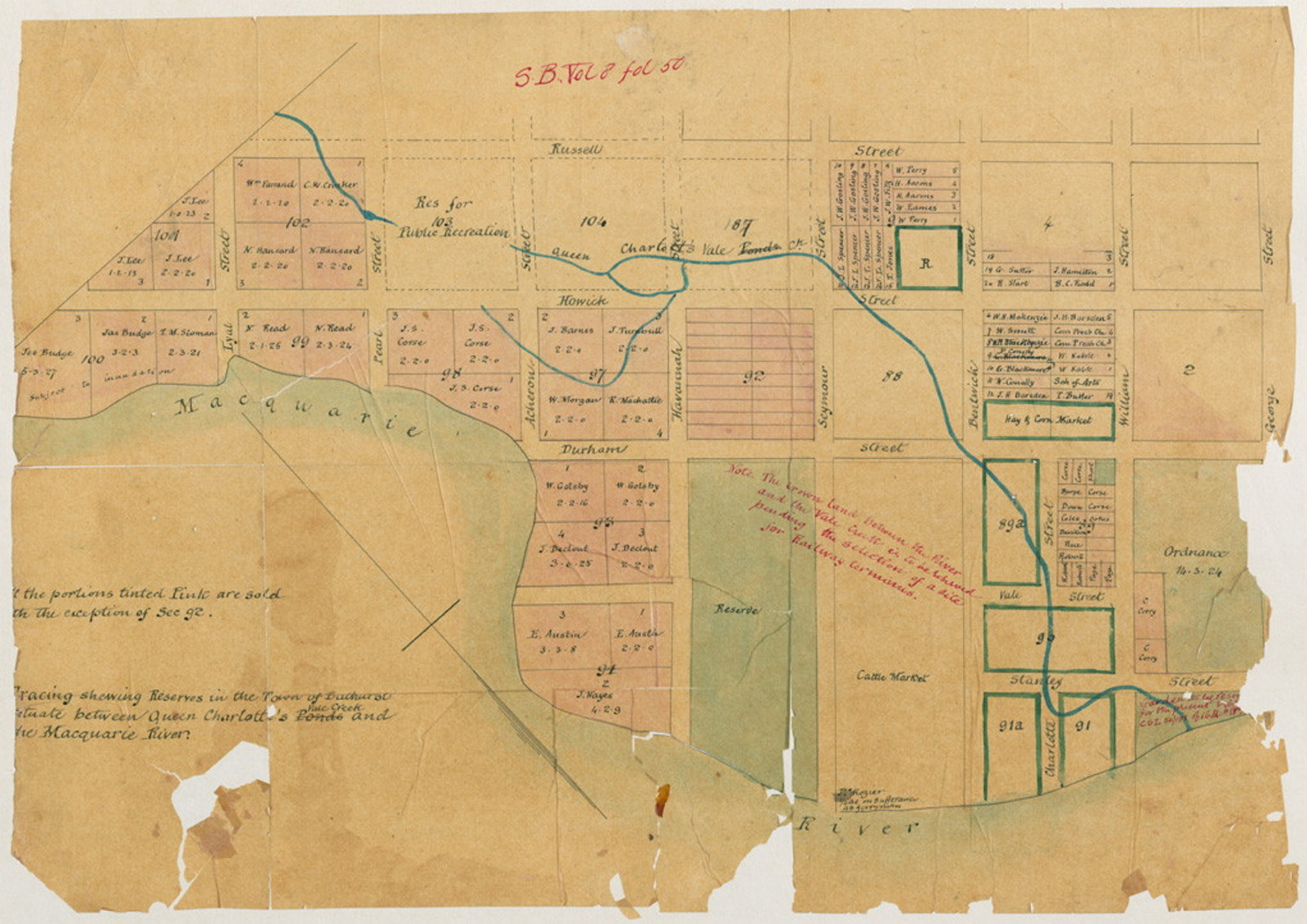
Search for people & places
Browse all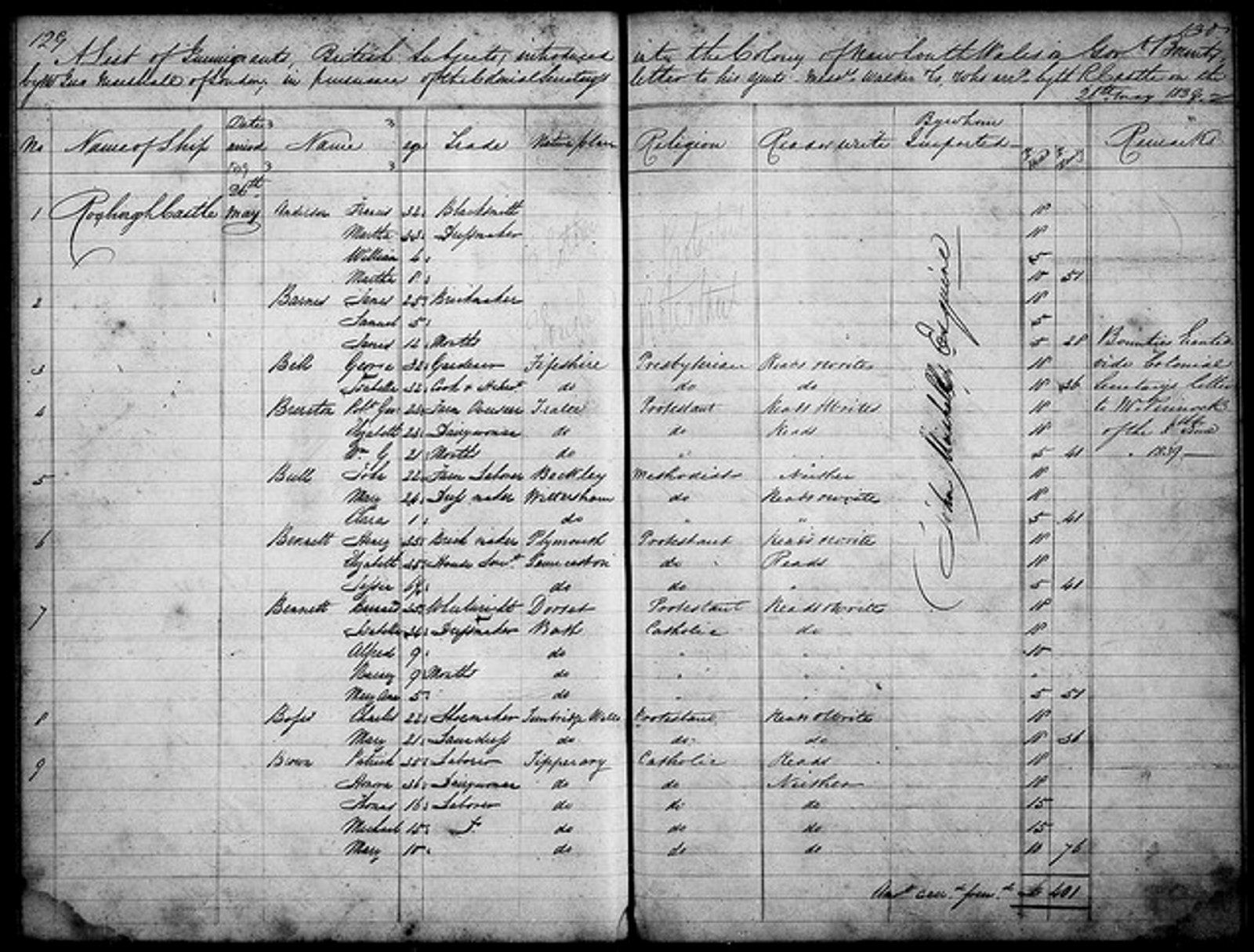
Assisted Immigrants index 1839-1896
Passengers arriving in Sydney & Newcastle 1844-59, Moreton Bay 1848-59 & Port Phillip 1839-51
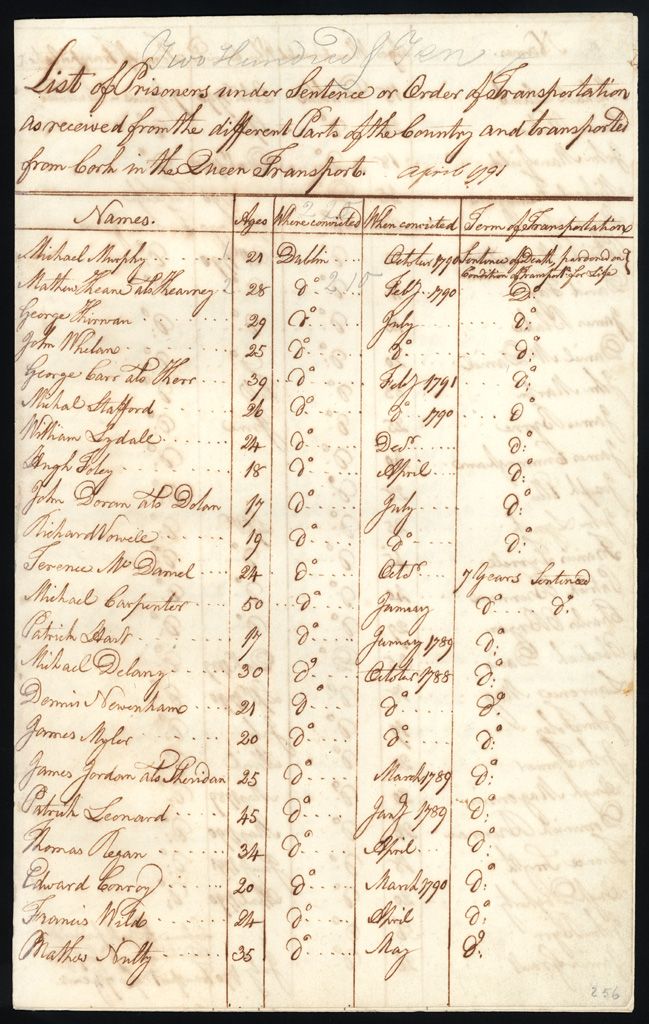
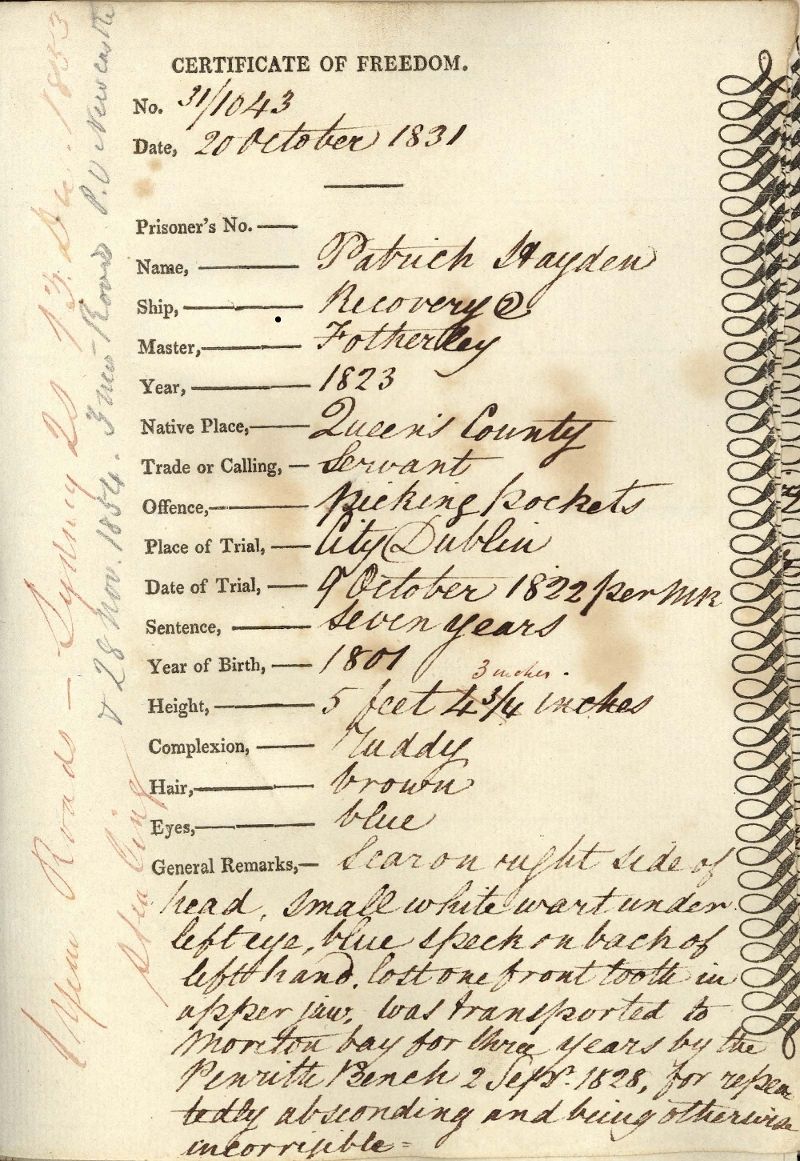
Convicts index 1791-1873
140,000+ entries including certificates of freedom, bank accounts, & tickets of leave
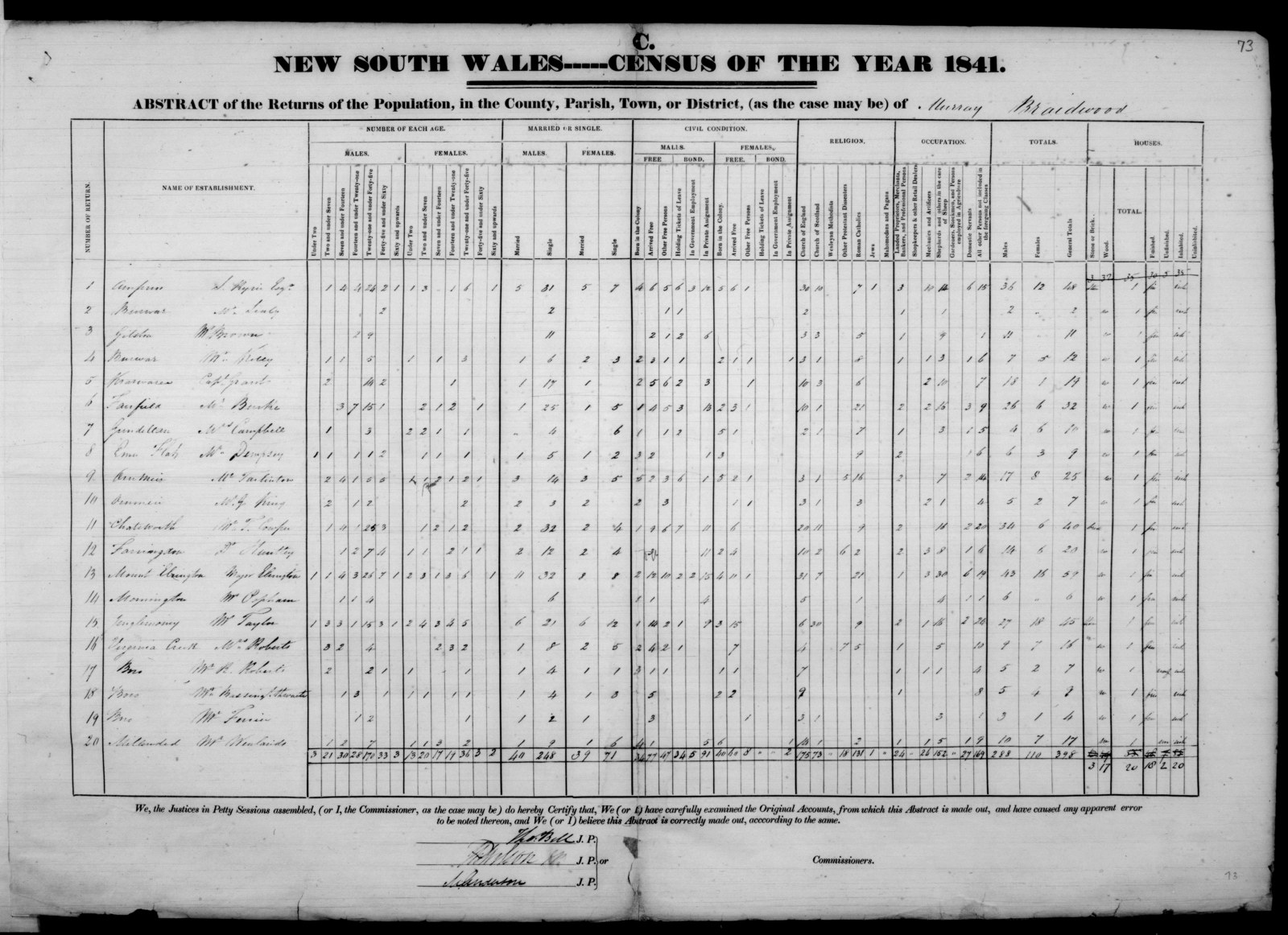
1841 Census index
Records the population by police districts, counties & towns. The head of the household is recorded in the returns
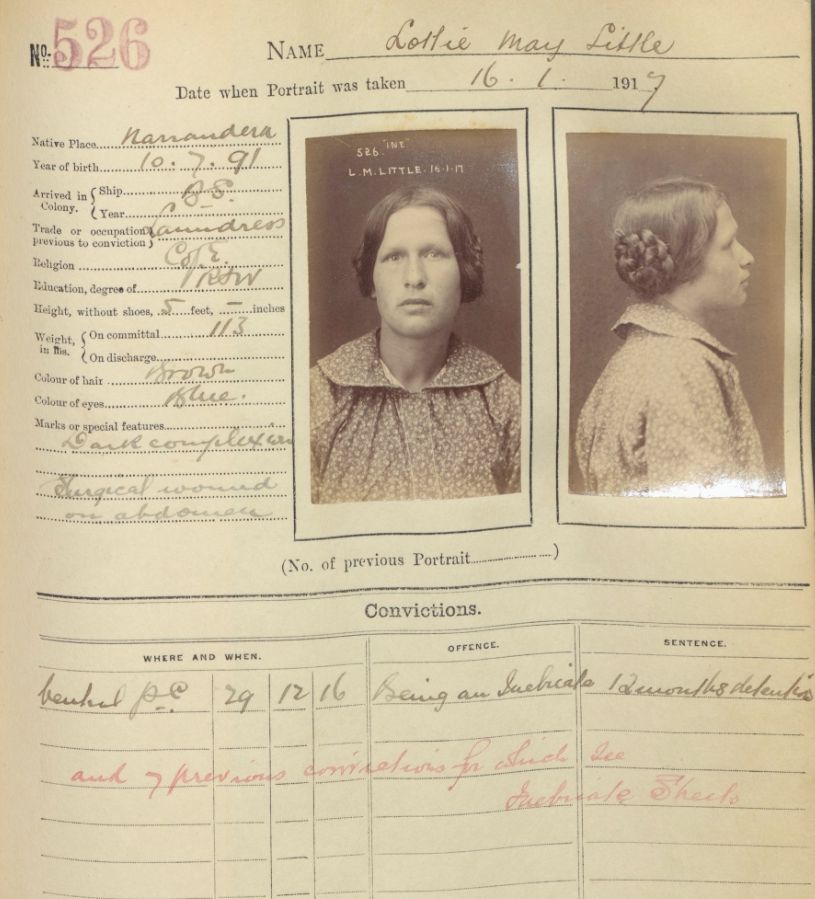
Gaol inmates & prisoners photos index
Browse 50,000+ entries & download digitised photos from 1870 to 1930
Watch & learn
Browse all
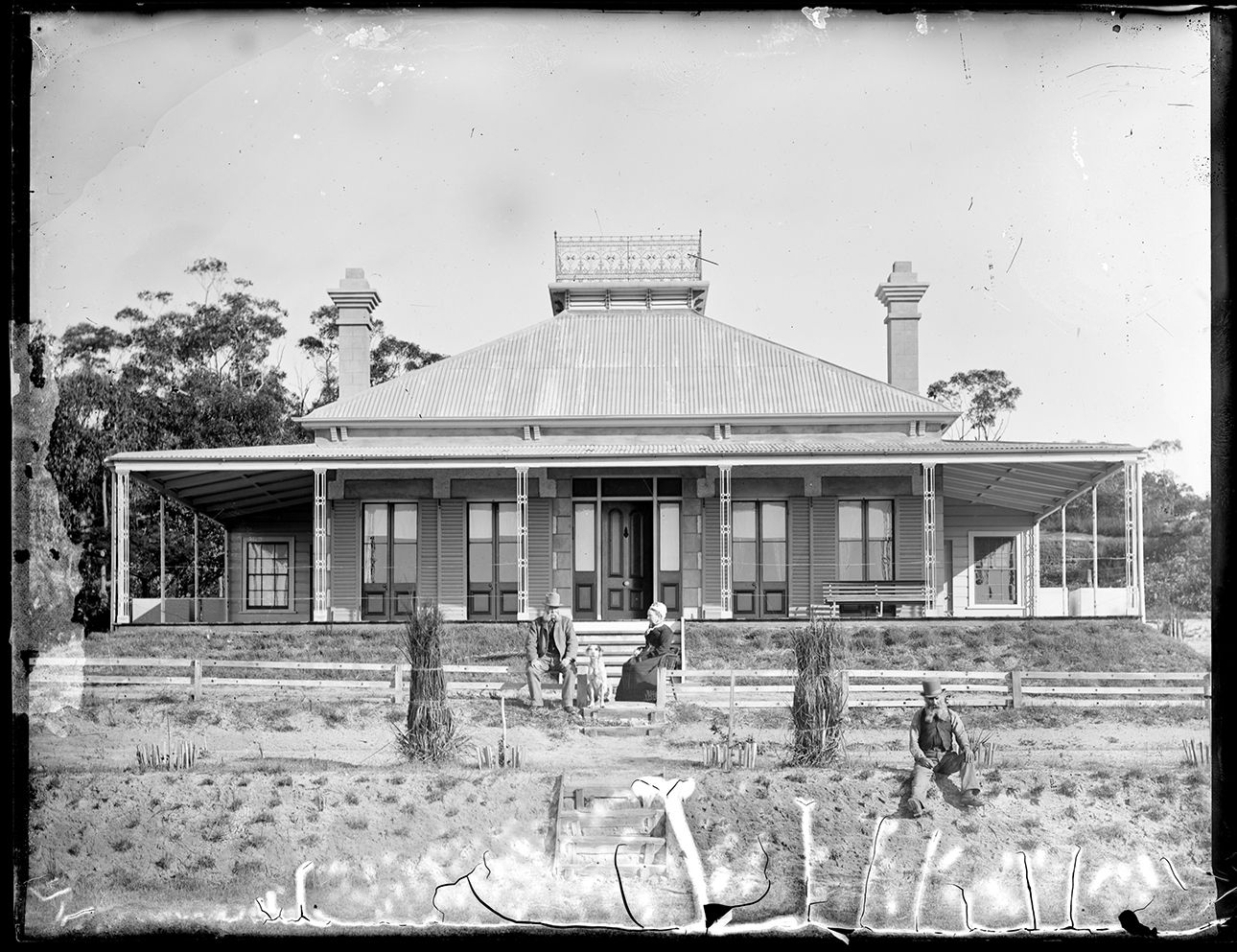
Researching your house and property
Learn how to find house and property records in the NSW State Archives Collection
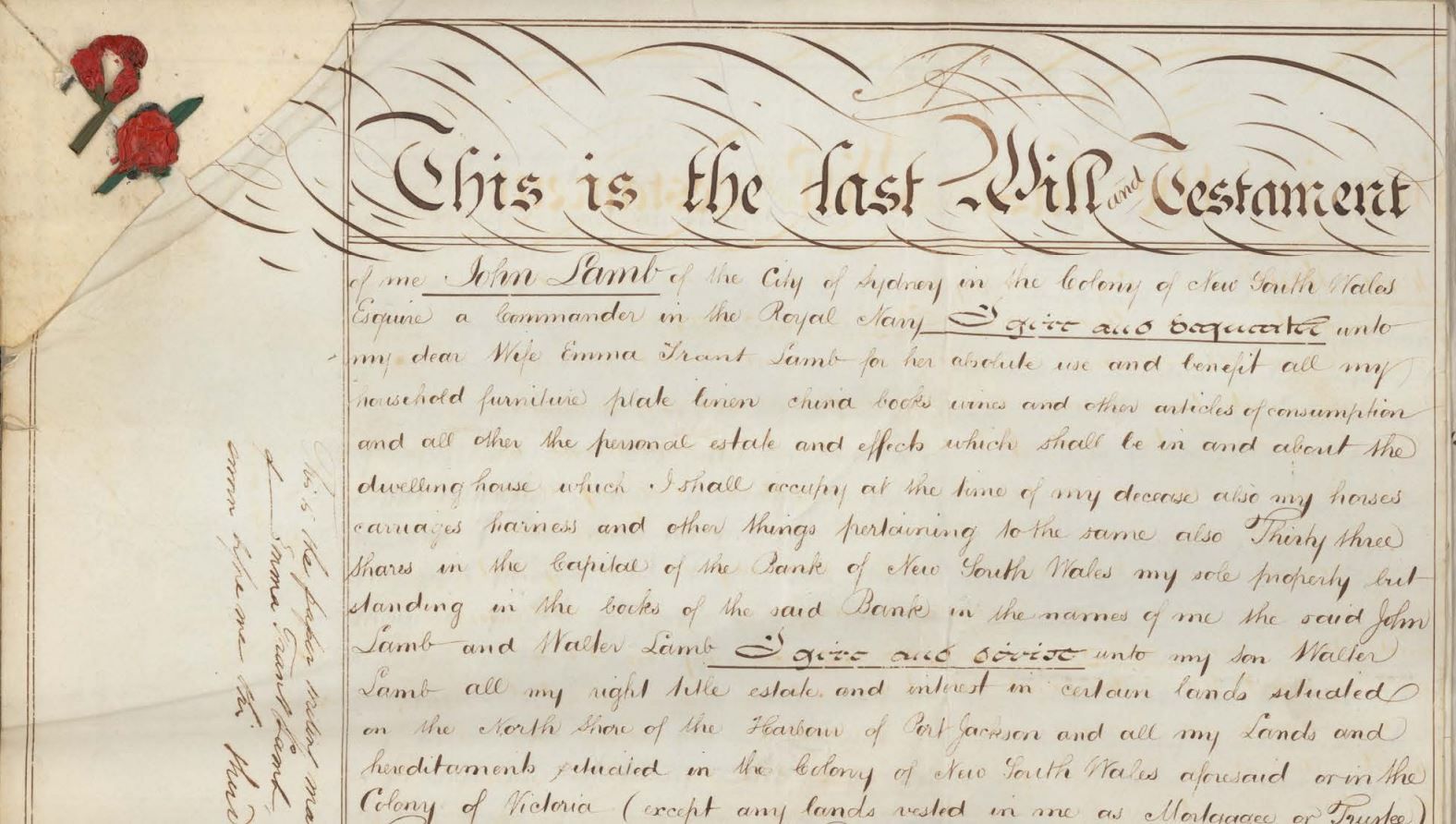
Probate packets
This webinar focuses on the sources for probate in the State Archives Collection and how to find them

Unassisted passenger lists online
Unassisted passengers are those who paid their own way. This webinar explains how to search lists of unassisted passenger arrivals to NSW
What can you find?
Browse all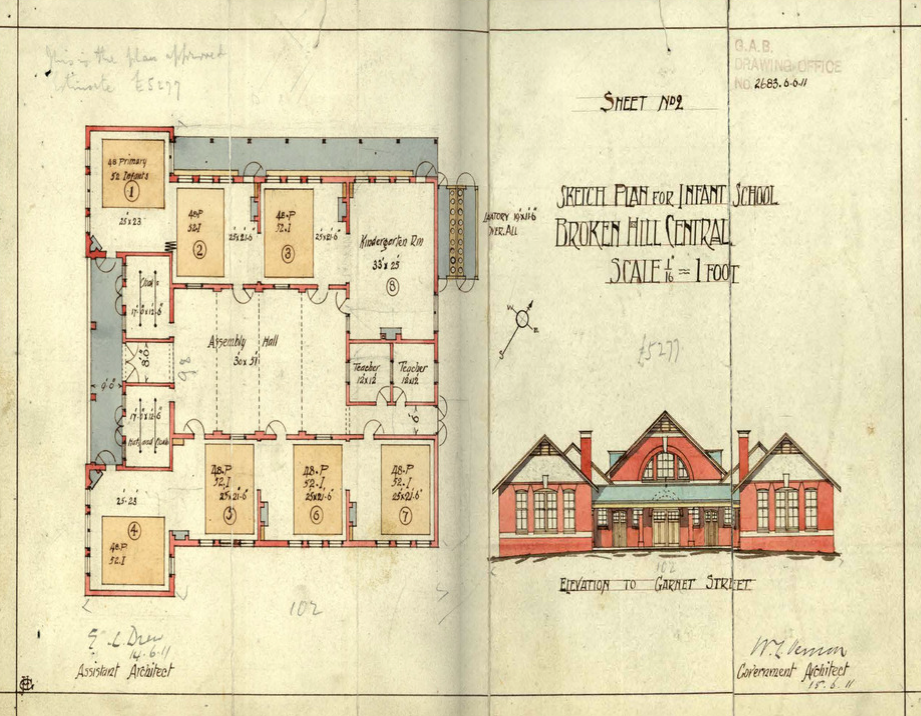
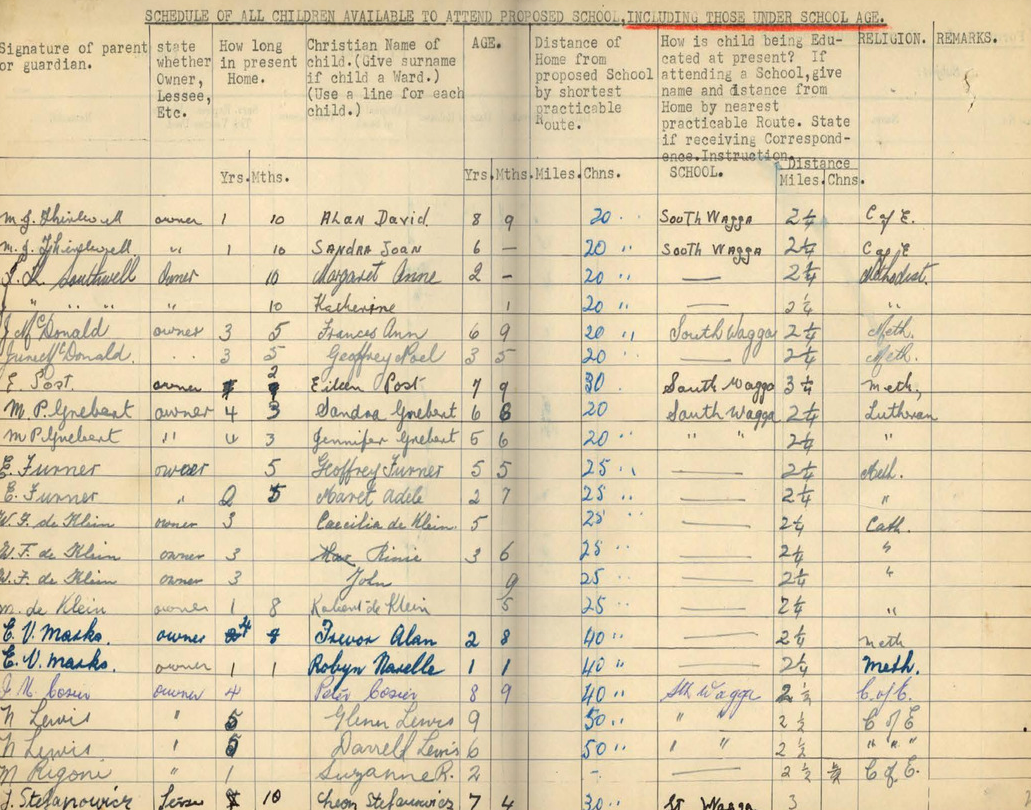
Schools: what the files can tell you
School files very strongly reflect the growth or decline of towns and are an excellent source for your local history research
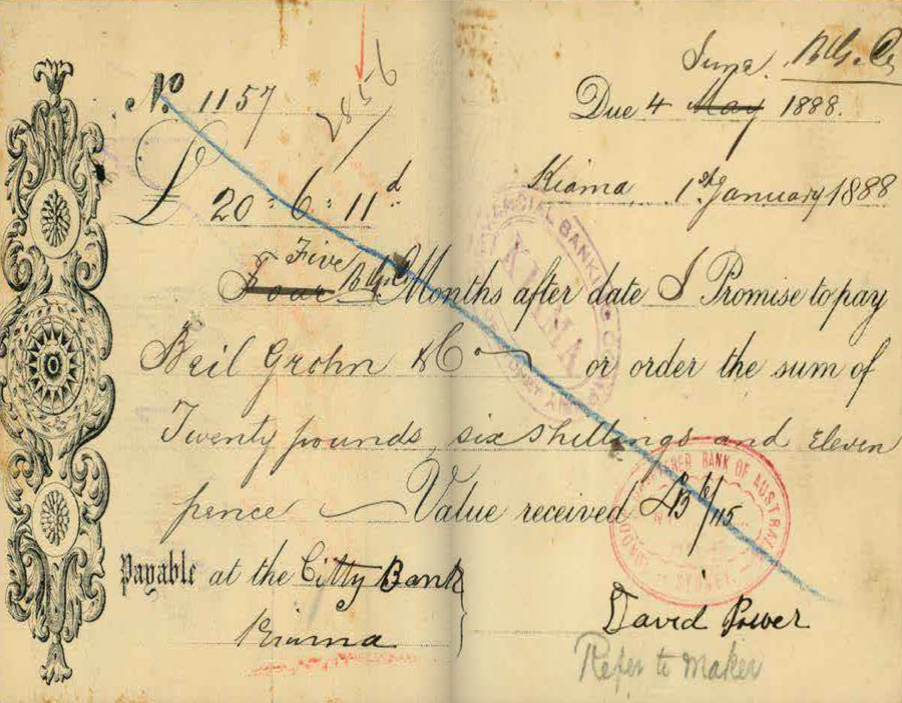
Bankruptcy: what the files can tell you
Bankruptcy files contain lists of creditors that the bankrupt person owed money to and debtors that owed money to the bankrupt person
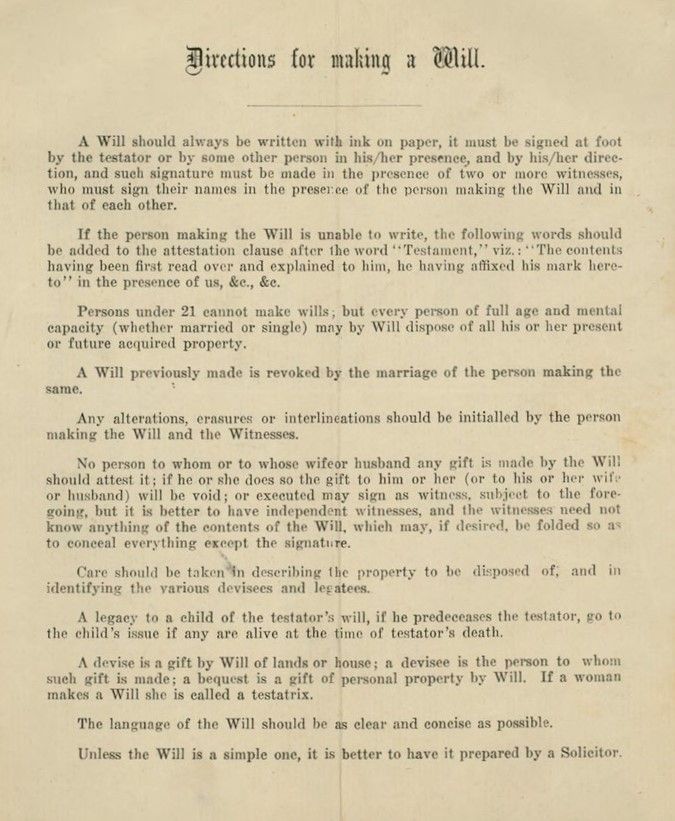
Probate packets: what the files can tell you
Probate packets hold the last will and testament, codicils, an inventory of assets of the estate, affidavits of death and other papers
Stories & articles
Browse all
Eveleigh Workshops during the 1917 railway strike
On 2 August 1917 the General Strike began. It started in the Randwick Rail Workshops & Eveleigh Carriage Workshops & quickly spread to other industries until about 100,000 workers were on strike
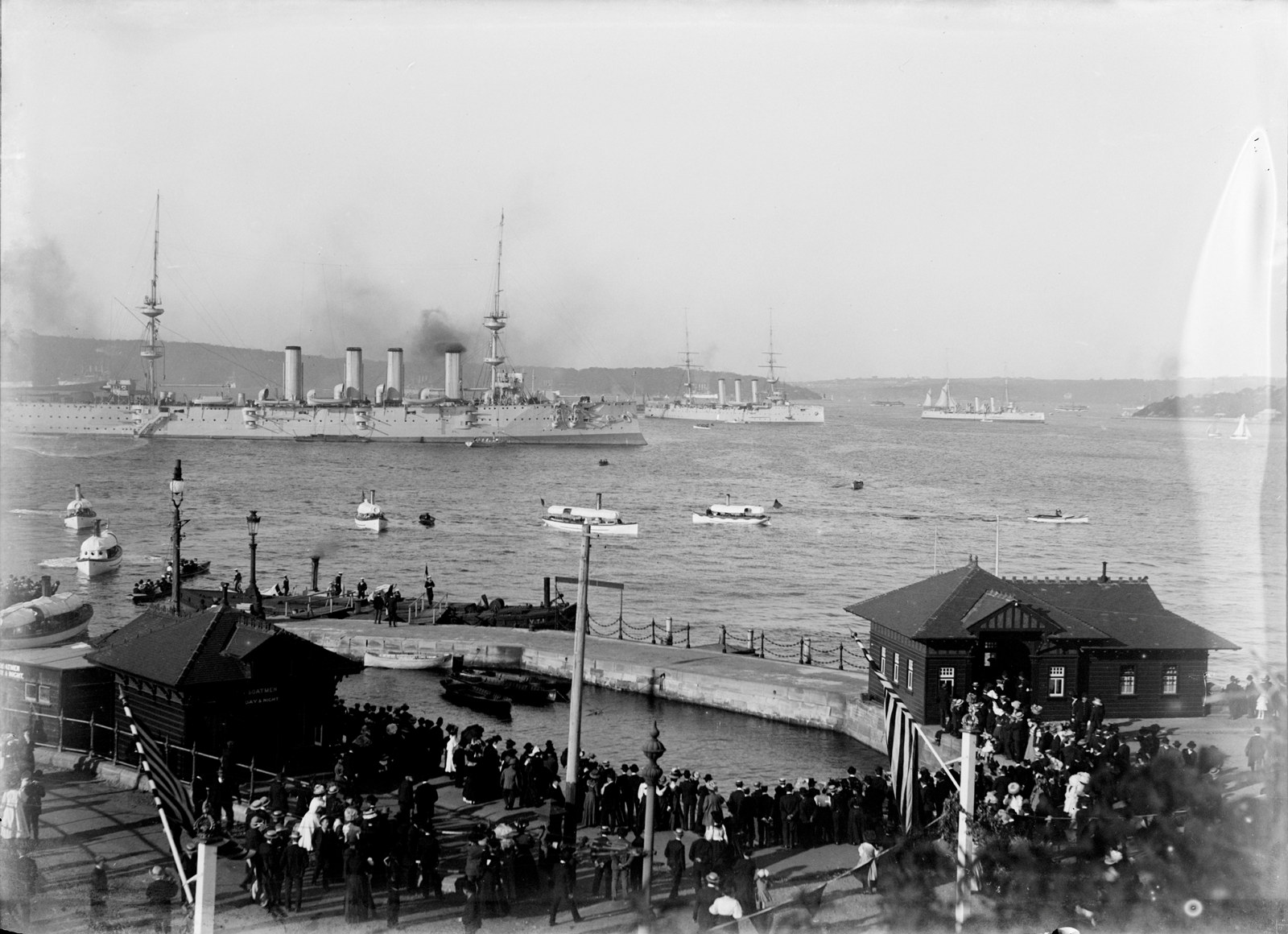
The Great White Fleet, 1908
On 20 August 1908 a round the world peace mission by the American fleet arrived in Port Jackson and marked the start of Fleet Week, a week-long celebration of events, parades and parties
![Government Printing Office 2 - 29953 - Opera House from Unilever Building [Sydney Opera House (N.S.W.); building construction] [GPO original locations or series - unnumbered] [4/03/1966]](https://images.slm.com.au/fotoweb/embed/2023/07/77f33ae978a14604963c244092d53545.jpg)
Sydney Opera House construction
We hold records relating to the construction of Sydney Opera House including the stages of construction, who was who, correspondence, plans, contracts, accounting records and more
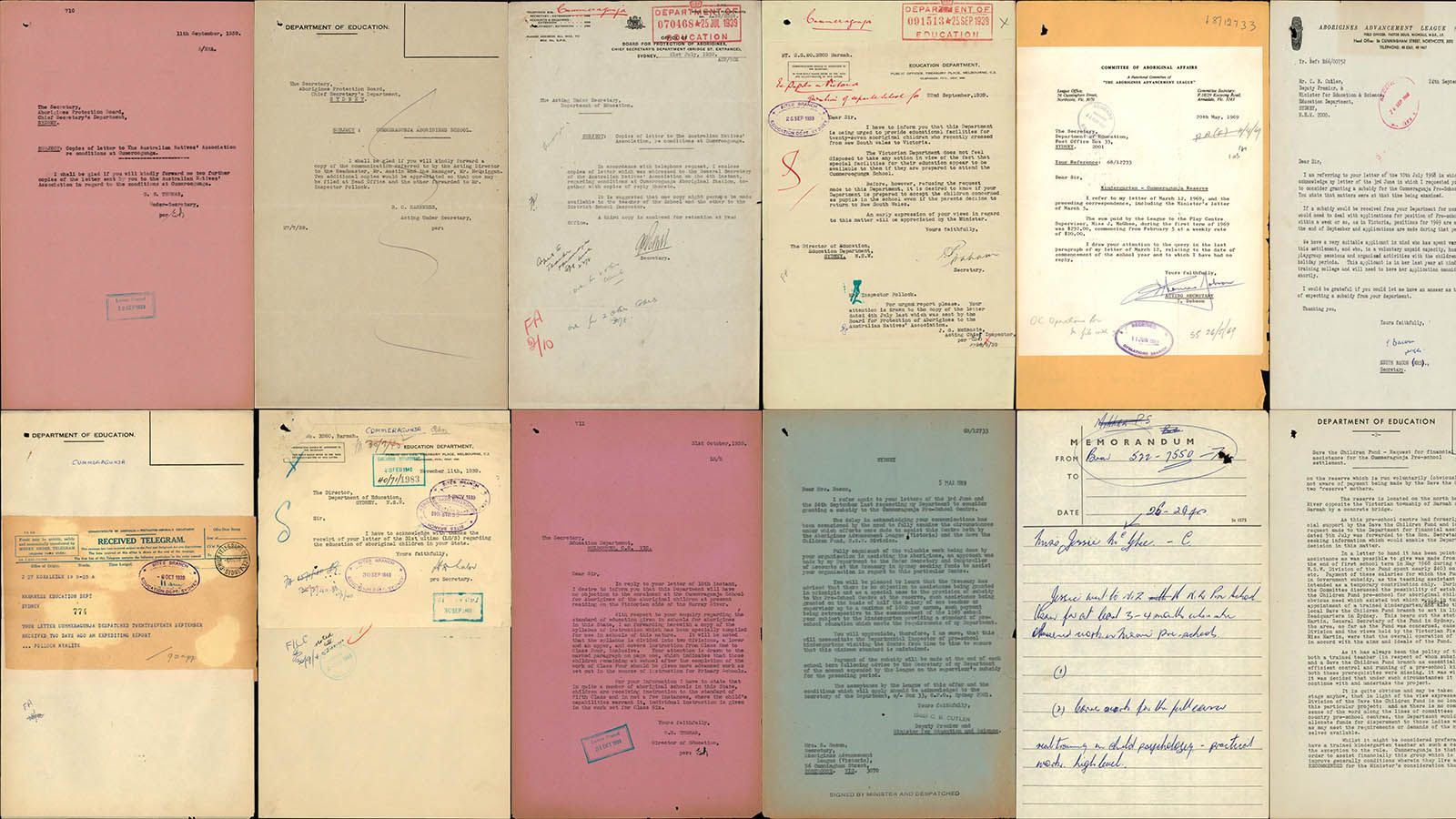
Cummeragunja Walk Off
This page marks the 80th anniversary of the Cummeragunja Walk Off which began in February 1939 and ended nine months later in October/November.
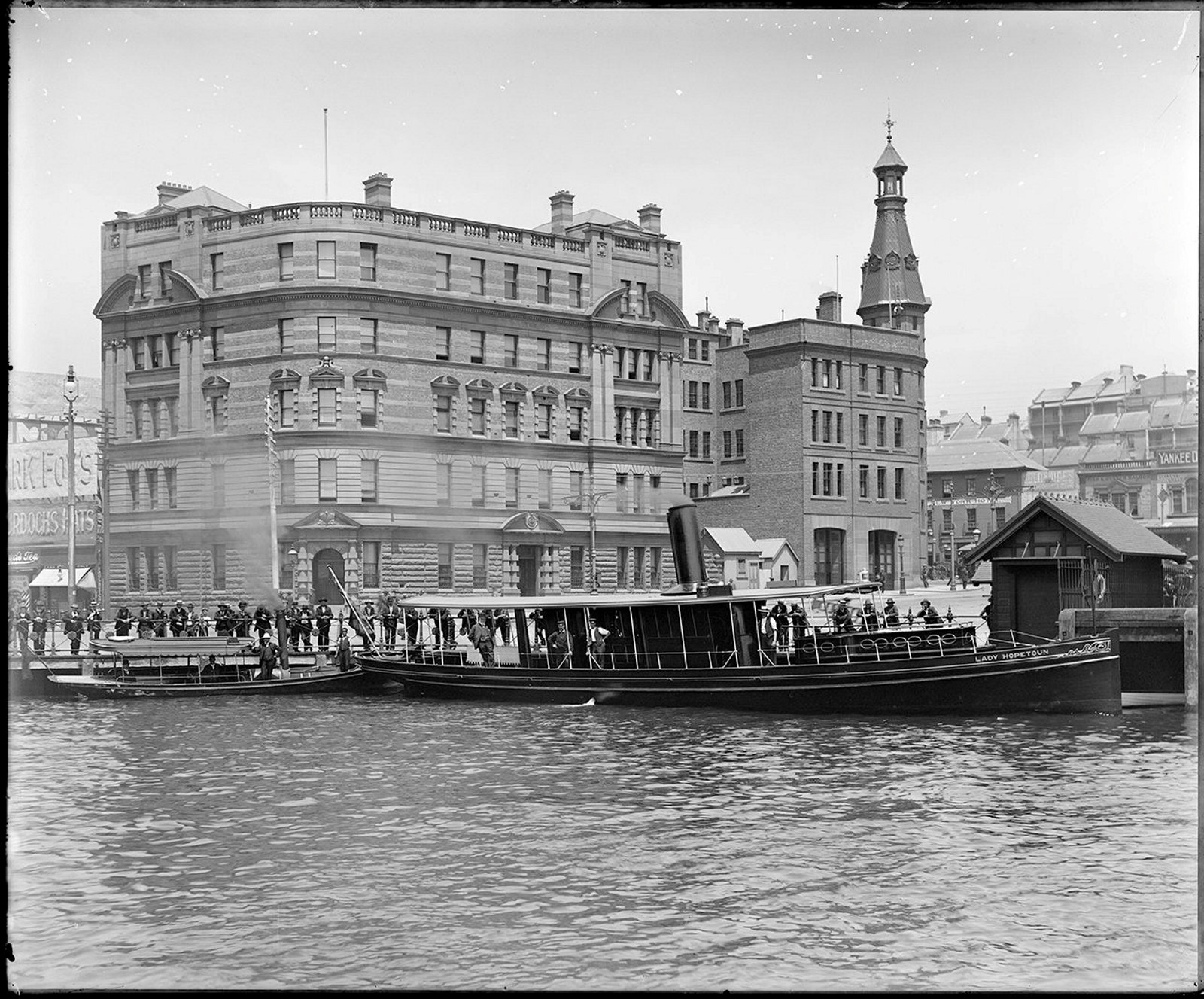
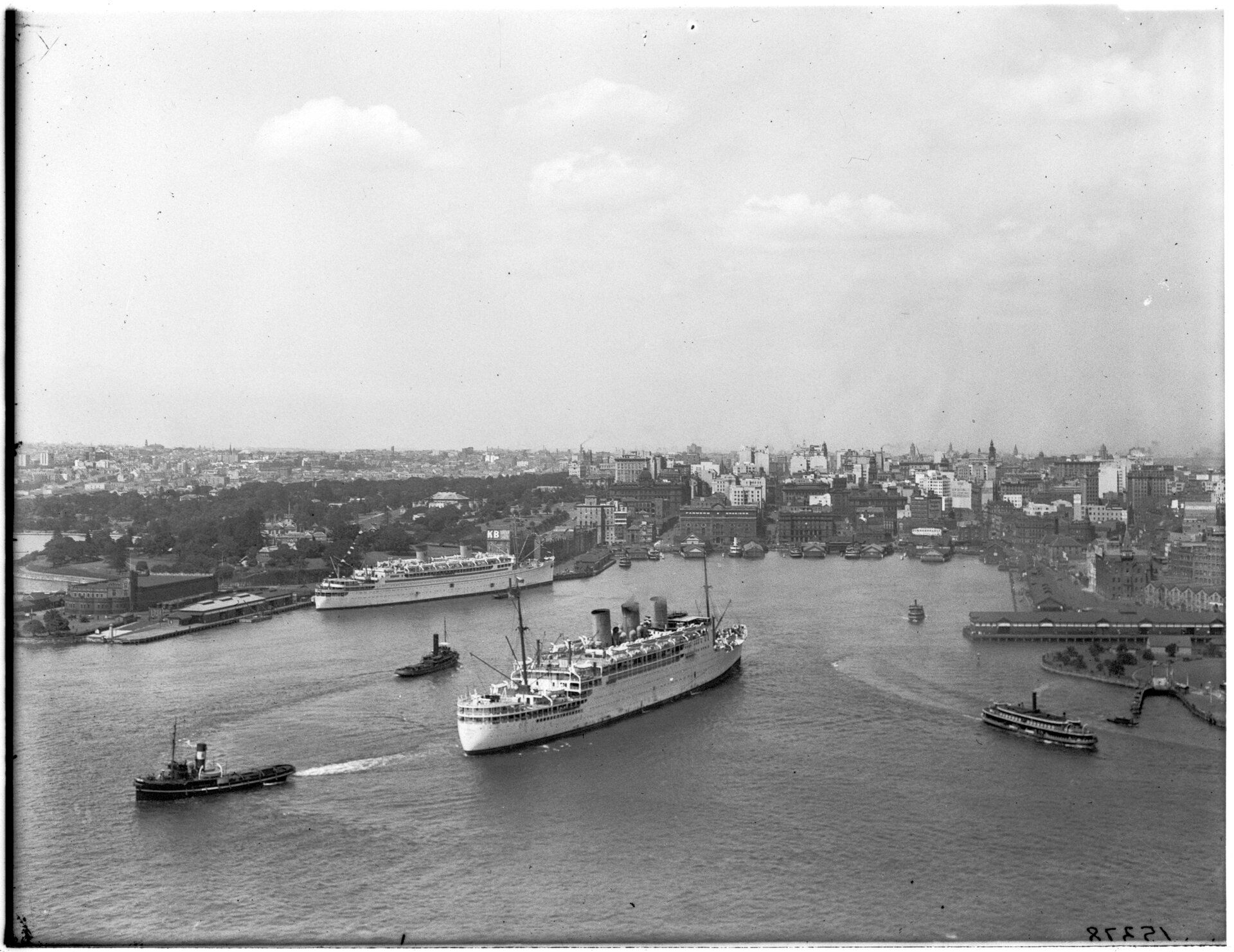
Maritime Services Board
A sample of the 4000+ digitised glass plate negatives from the Maritime Services Board
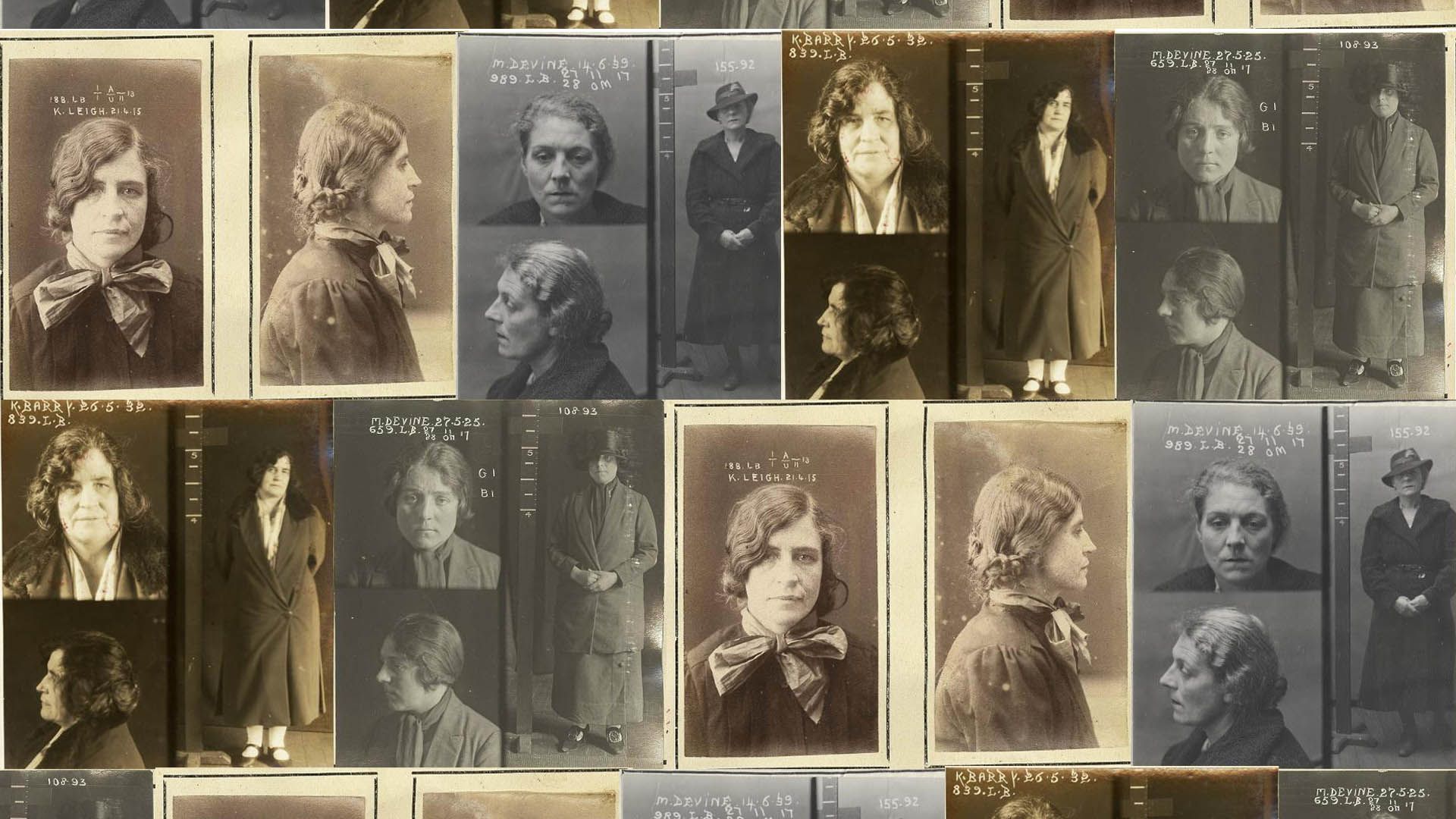
Tilly Devine & the Razor Gang Wars, 1927–1931
Learn about the Razor gangs and their leaders Tilly Devine and Kate Leigh
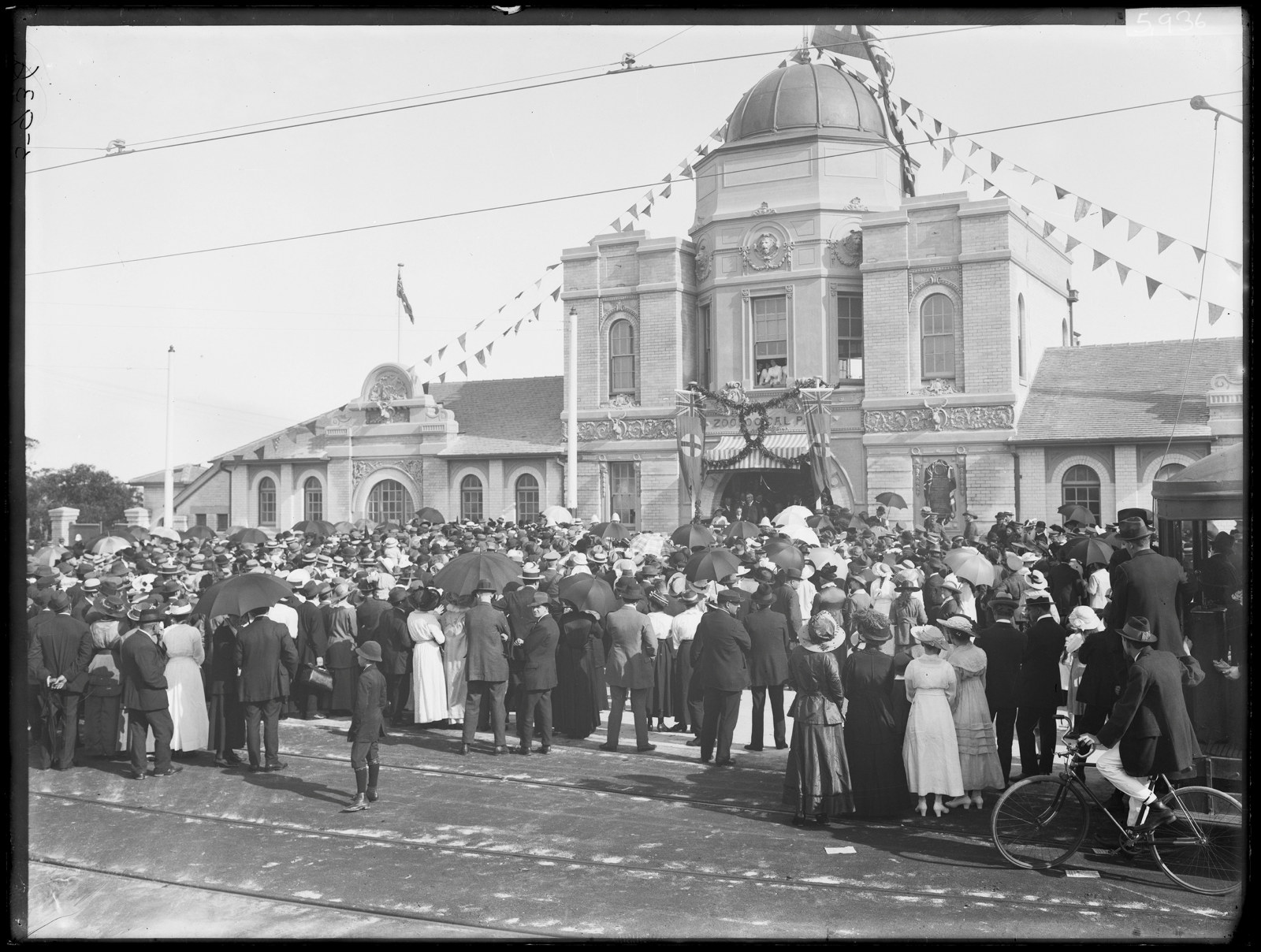
History of Taronga Zoo
Can you imagine Sydney Harbour without Taronga Zoo perched on Bradley’s Head at Mosman? For one hundred years families have been making the trip by ferry, tram and car to see the exotic and native animals at Taronga and get a picturesque view of the harbour
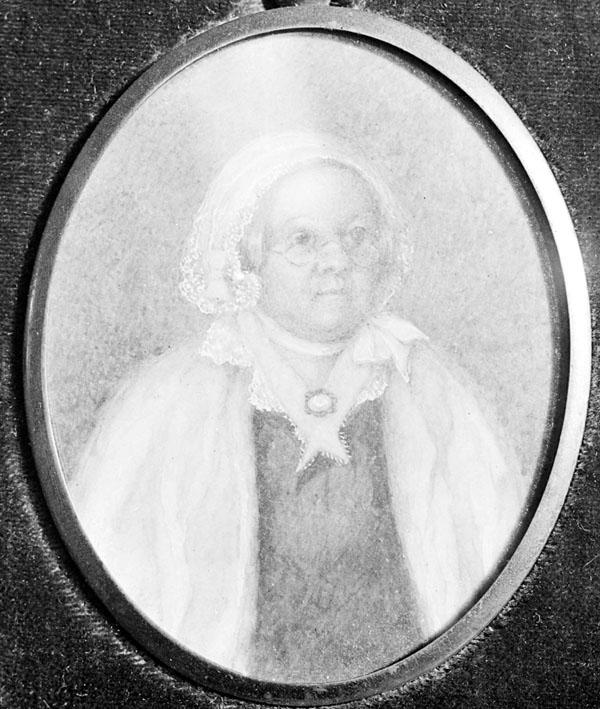
Mary Reibey - convict and businesswoman
Mary Reibey is one of the most famous early convict women in the colony of New South Wales
News
Latest News
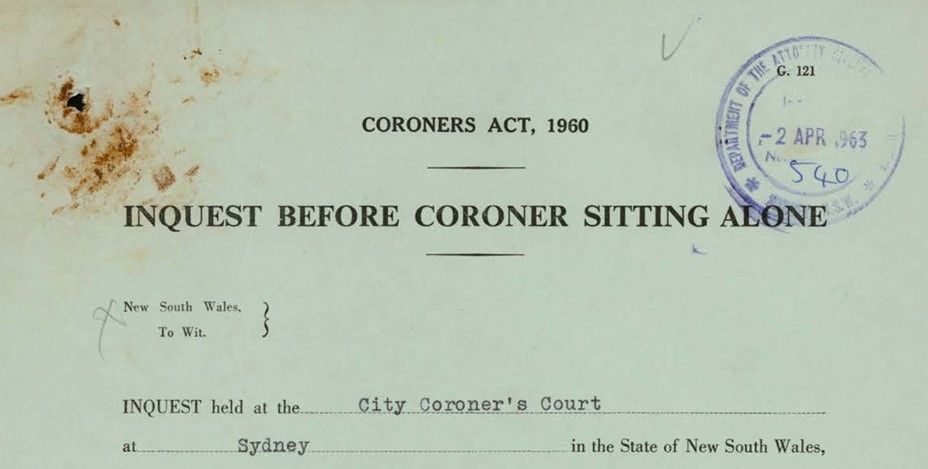
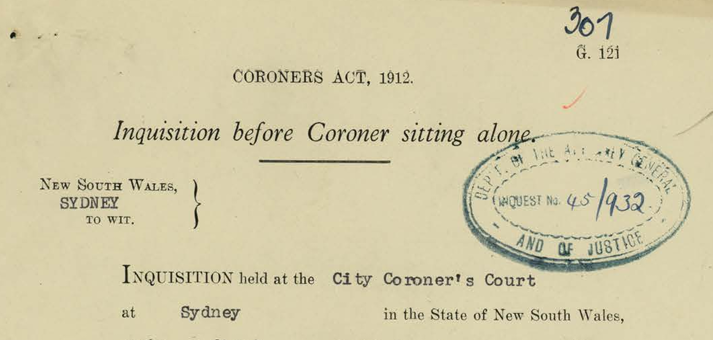
Inquest index expanded
Over 9,100 new entries have been added by our volunteers to our inquest index and covers the years 1916–1963
Latest News
National Close the Gap Day 2024
Today is National Close the Gap Day 2024. Closing the gap refers to the meaningful action that is required by governments, organisations, communities and individuals to address inequity experienced by First Nations peoples in Australia
Latest News
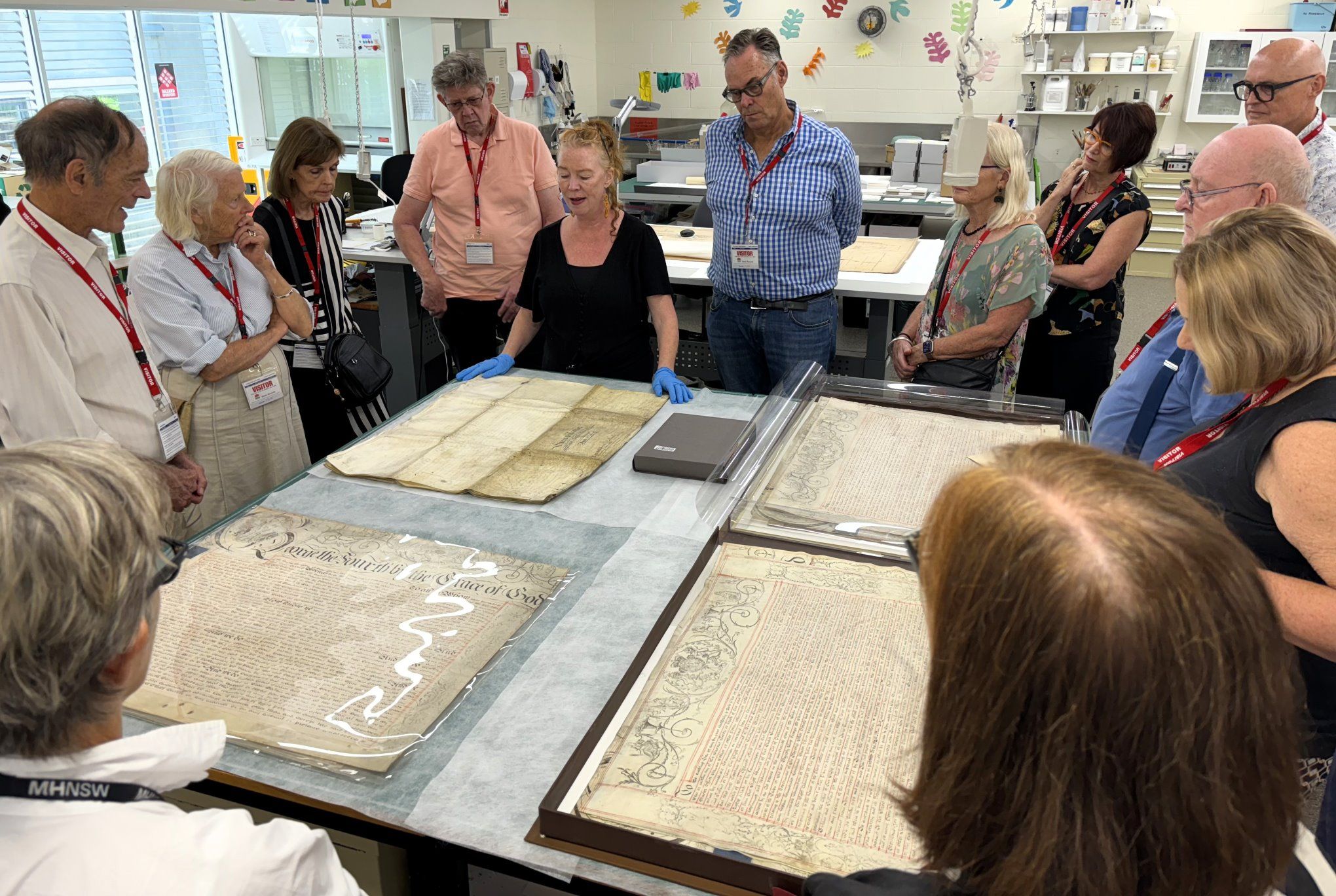
Conserving the archives: a bespoke donor experience
On Thursday 14 March, MHNSW donors enjoyed a fascinating behind-the-scenes tour of the NSW State Archives Collection at the Western Sydney Records Centre